Memo Tab
The structured context (Purpose, Source, Scope, Accounting Policies, Procedures, Testing Attributes, and Conclusion) that tells the AI what the workpaper is doing, what rules to apply, and what it's already done. Captured with the workflow and exported with the audit file.
The Memo tab is where you give the AI the context it needs before it processes a workflow or builds a workpaper. Purpose, Source, Scope, Accounting Policies, Procedures, Testing Attributes, Conclusion: each one is a structured field the agents read on every run. Filled-in memos make the agents more accurate, more consistent, and easier to defend in review; empty memos still work, but the agents have less to go on.
Anything you write here is also captured and exported as part of the workpaper's documentation. The Memo tab does double duty: it's both the instruction set for the AI and the narrative the reviewer reads later.
What you'll learn
- What each Memo field is for and which ones the AI actually reads.
- How Accounting Policies lets you bring in Engagement Variables vs. add Custom Accounting Policies, and when to use each.
- How memo content rolls forward so each year of an engagement gets sharper.
- How to draft the Memo with Co-Audit and refine it by hand.
Memo Fields
The Memo tab is laid out top to bottom in the order the AI reads it. You can leave any field blank (the export still works and the workflow still runs), but the more you fill in, the more grounded the agents are.
| Field | what it does. |
|---|---|
| Scope | The population sampled and the selections drawn from it. |
| Source | Description of the source documents, plus an auto-captured log of who uploaded what, and when. |
| Procedures | The specific procedures performed and the assertions being tested. |
| Accounting Policies | The rules (engagement variables and/or custom policies) the agent applies during review. |
| Conclusion | Findings, filled in after testing is complete. |
| Testing Attributes | Mirrors the Testing Attributes you set up on the Workflow tab; tickmarks land here on each run. |
Purpose
Purpose is the one-paragraph answer to what is this workpaper for? It's the first piece of context the AI reads, and it frames how every downstream field is interpreted.
A useful Purpose names:
- The account or assertion under test.
- The audit objective (existence, completeness, accuracy, valuation, cutoff).
"Test the existence and accuracy of payroll disbursements by tracing a sample of paychecks to the supporting time records and approved pay rates."
Source
Source documents the evidence the workpaper is built from. It's a hybrid field: half written by the auditor, half maintained by Agentive.
Auditor-written description
A short narrative naming the source documents: the population (GL extract, payroll register, AR aging) and the supporting documents the client is providing (vendor invoices, bank statements, pay stubs).
Auto-captured upload log
Every file uploaded to the request is logged here automatically: file name, who uploaded it, and the timestamp. The auditor doesn't maintain this; Agentive captures it as files come in.
The auto-captured log is what makes Source defensible later: a reviewer can see exactly which file each value was extracted from and when it arrived.
Scope
Scope is where the sampling story lives. Write down the population you sampled from and the selections you drew: the method (Random, MUS), the parameters, the size, and the criteria.
If you used the built-in Sampling flow on the Selections table, Agentive already captured the methodology in a sampling documentation file (Sampling). Scope is the place to reference that file and explain the why behind the sample.
Accounting Policies
Accounting Policies is the field the AI leans on hardest during review. It's the rule book: the criteria the agents apply when they decide whether a test passed, failed, or needs follow-up. Two ways to populate it:
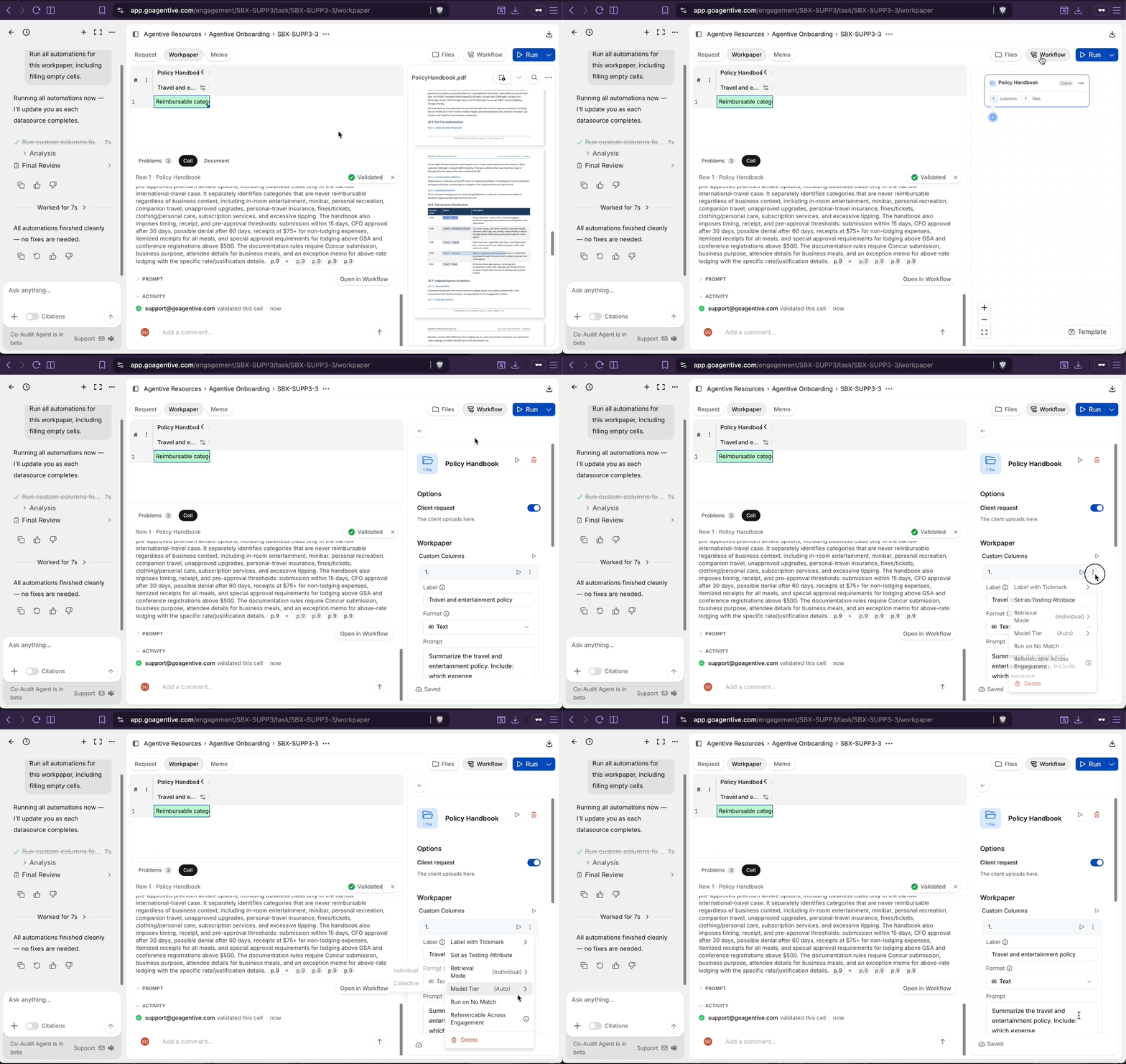
Engagement Variables are policies set once at the engagement level and referenced into any workpaper that needs them. They're the right home for rules that apply across many workpapers in the same engagement.
Example: EBP engagement. On an Employee Benefit Plan audit, you'll test contributions, eligibility, and entry across several workpapers. The plan's contribution rules (match formula, vesting schedule, eligibility thresholds, entry dates) belong as an Engagement Variable so every contribution workpaper (Pay Rate Testing, Investment Allocation, Distributions) can reference the same canonical rules with @.
Set the variable once, reference it everywhere, update it in one place if the plan document changes.
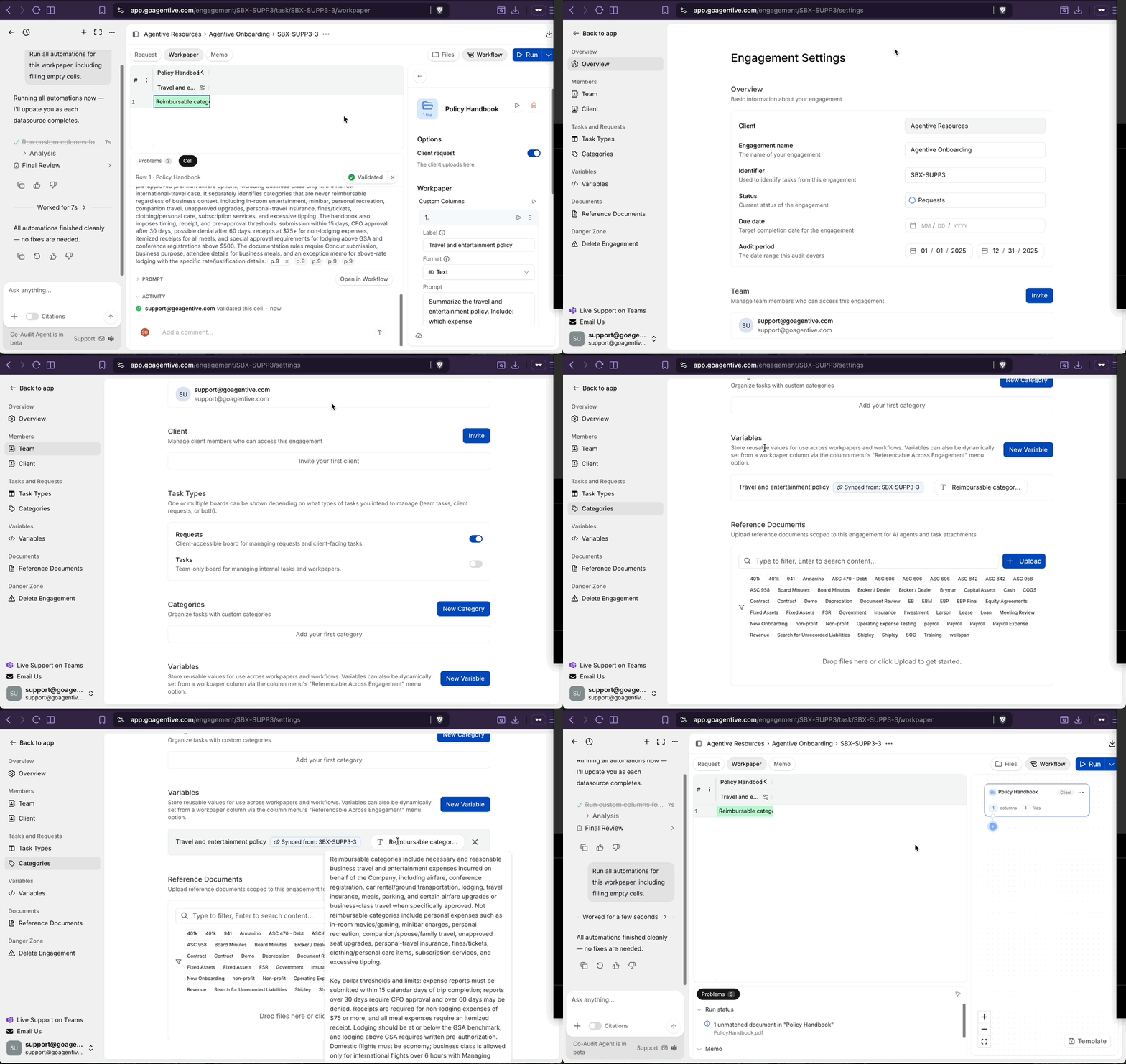
A Custom Accounting Policy is written directly into the memo and applies only to this workpaper. Use it for rules that are specific to the workpaper or to a particular kind of source document.
Example: EBP engagement (continued). The plan rules go in an Engagement Variable, but the way the client's payroll provider labels Roth vs. traditional 401(k) contributions on the payroll register is specific to this client and this workpaper. Spell it out as a Custom Accounting Policy:
"On the payroll register, Roth contributions appear under the column
Roth 401(k) EEand traditional contributions under401(k) EE. Employer match contributions appear underER Match."
Now the agent reads the right columns on every run, consistently.
Roll-forward compounds
The Memo tab's Accounting Policies roll forward with the engagement. Each year the workflow runs against a sharper, more client-specific rule set, which makes the agents' runs more consistent and more accurate year over year.
Procedures
Procedures is the narrative of what the audit team is doing on this workpaper: the steps performed, the assertions being tested, the order of operations. It gives the AI the procedural frame it needs to understand why each Testing Attribute fires, and gives a reviewer the documented procedure they expect to see on any workpaper.
A solid Procedures section names:
- The specific steps performed (re-foot the register, agree gross pay to time records, recompute withholdings).
- The assertions tested by each step (existence, accuracy, cutoff).
- Anything notable about the order or dependencies between steps.
Testing Attributes
Testing Attributes are added automatically. Every Testing Attribute column you set up on the Workflow tab mirrors into this section of the Memo, and the tickmarks the agents generate (a checkmark for passed, a letter referencing an exception note) land here on each run.
You don't write Testing Attributes by hand from the Memo tab. You write the procedure and the prompt on the Workflow tab; the Memo tab is where you read the populated tickmarks alongside the rest of the memo narrative.
Conclusion
Conclusion is left blank during planning and run setup, and filled in once testing is complete. It's the auditor's documented finding: what the test showed, what exceptions were noted, and whether the assertion under test was satisfied.
Update Conclusion last, after the cells are validated, the exceptions are written up, and the workflow is in a final state. The Conclusion is what the reviewer reads first.
Draft with Co-Audit, refine by hand
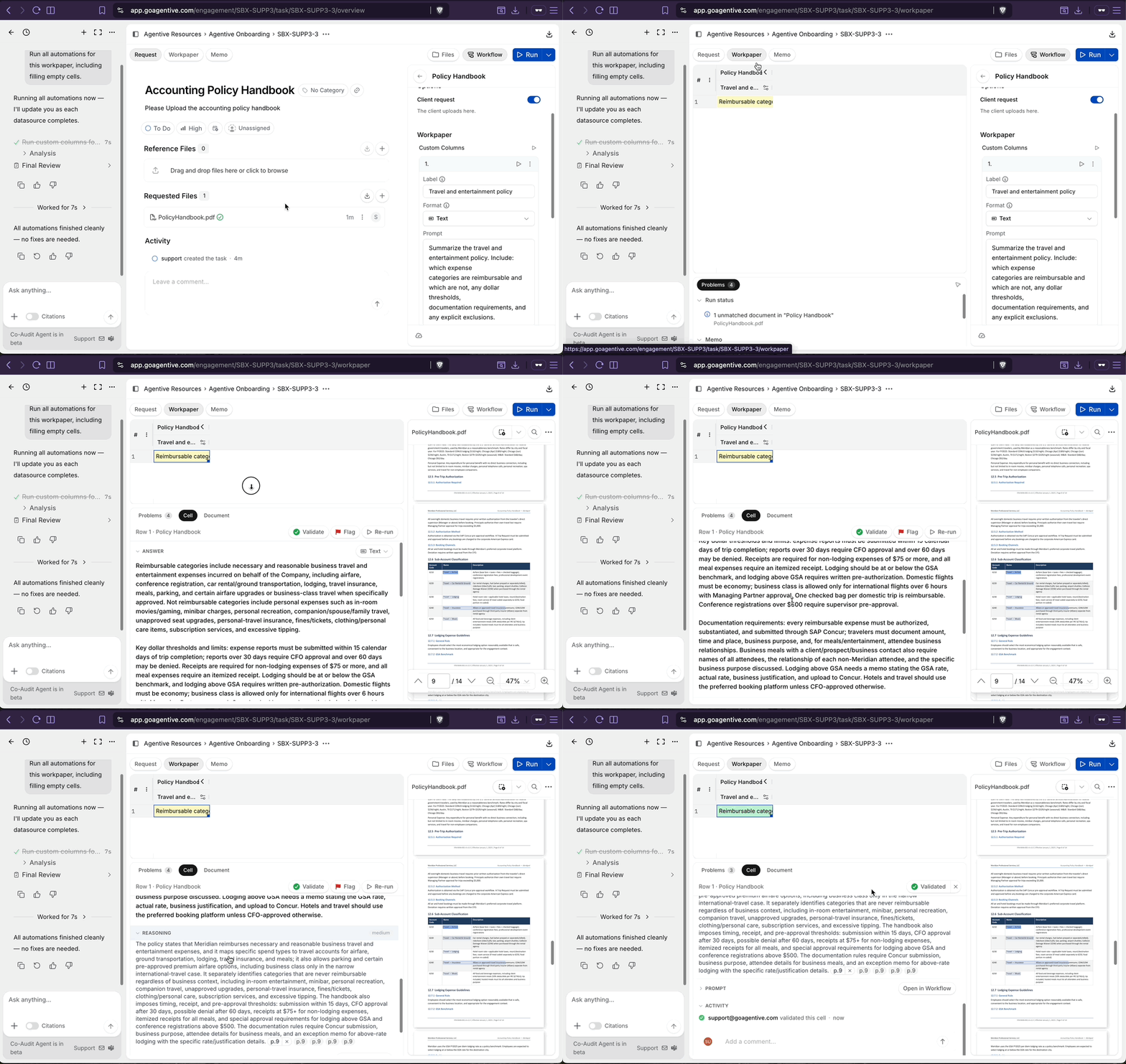
Everything on the Memo tab can also be drafted from Co-Audit. The fastest way to get a workpaper started is to describe it to Co-Audit and let it scaffold the Purpose, Scope, Procedures, and starter Accounting Policies for you, then refine each field by hand inside the Memo tab as the workpaper takes shape.
The Memo tab is a two-way surface. Co-Audit can draft into it; you can rewrite anything Co-Audit drafted. Use Co-Audit to skip the blank-page problem, then sharpen the wording yourself before the workflow runs against it.
Continue your journey
← The Request tab
Configure the client-facing surface of the request.
The Files tab →
Organize and search the documents the client and your team upload.
How is this guide?
The Request Tab
The client-facing surface of a single request. Title, status, and assignment up top; reference files and requested files in the middle; activity and comments at the bottom. The full read of one item of audit work in one view.
Files Tab
The Files tab on every request. Document-group folders, the four file-match states, OCR/text-readability status, full-text search across uploads, and one-click download of every file in the request.